















Choose the help you need
Reference only: these buttons do not change game bindings, pause the story, or save progress.
Desktop controls
Click inside the loaded frame. Use WASD to move, the mouse to look, Space to jump, and E to interact. Test one action at a time; current on-screen instructions take priority.
A small horror story inside a large collection
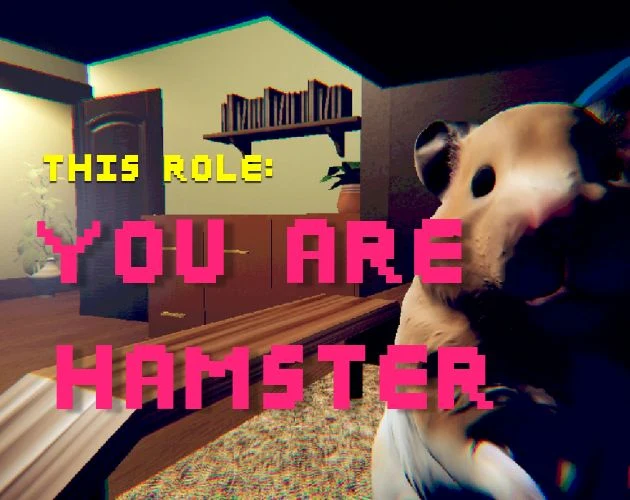
You Are Hamster belongs in the Horror & Story corner of BloodMoney2, not beside a pet-care simulator with daily rewards. Its central appeal is the mismatch between a tiny animal and a room that stops feeling ordinary. SeenThai calls the original a short horror comedy. That description is a useful starting point: expect a compact authored experience, rather than an endless economy, an upgrade ladder, or a competitive survival leaderboard.
The collection offers many different kinds of interaction, so changing games also means changing expectations. A click that purchased something in another tab may only focus the player here. Read the controls before treating the opening room as a puzzle to solve. The browser presentation on this page is separate from the author's downloadable Windows release, and its additional interface should not be mistaken for a promise of identical platform behavior.
A first visit works best as a small appointment with one game. Set aside an uninterrupted interval, start with a comfortable sound level, and leave the videos closed until you know whether you want spoilers. Nothing in the surrounding collection records your progress inside the embedded game.
Start the player without losing your bearings
The cover is an invitation to launch, not a live screenshot of your current session. Selecting Play creates the external player. Until then, this page can explain the controls without starting the game's larger downloads. A loading screen afterward is a separate stage. Give that screen time to respond before deciding that another click is needed.
Once a scene is visible, click inside the frame and try a brief movement. This distinguishes an unfocused browser frame from an actual control problem. Moving the pointer over an image or pressing a page button does not necessarily transfer keyboard focus into the game. If the whole document scrolls instead of your character responding, stop and refocus the player.
The direct-game link is a fallback for a cramped or blocked embed, not a second checkpoint. Opening it starts another document. Keep that distinction in mind before leaving a run that you want to finish. Fullscreen changes presentation; it does not add saving, alter the story, or prove that the game has finished loading.
Learn a compact control vocabulary
The original instructions give movement to WASD, jumping to Space, and interaction to E. The browser entry also advertises mouse looking. Practice these one at a time rather than pressing several buttons and trying to infer which action mattered. A short movement, a camera adjustment, and a single interaction attempt produce much clearer feedback.
Do not import controls from neighboring collection games. There is no reason to assume that a number key selects an item, that Shift always means sprint, or that a mouse click advances every scene. A visible prompt in the current build should take precedence over a remembered instruction from another title.
The control reference on this page is a reading aid. Switching its tabs does not change the game's bindings. On a touch device, inspect the buttons actually drawn by the host before committing to a run. The provided address contains a touch-version parameter, but that label alone cannot establish that your device can complete every interaction.
Read the room at hamster scale
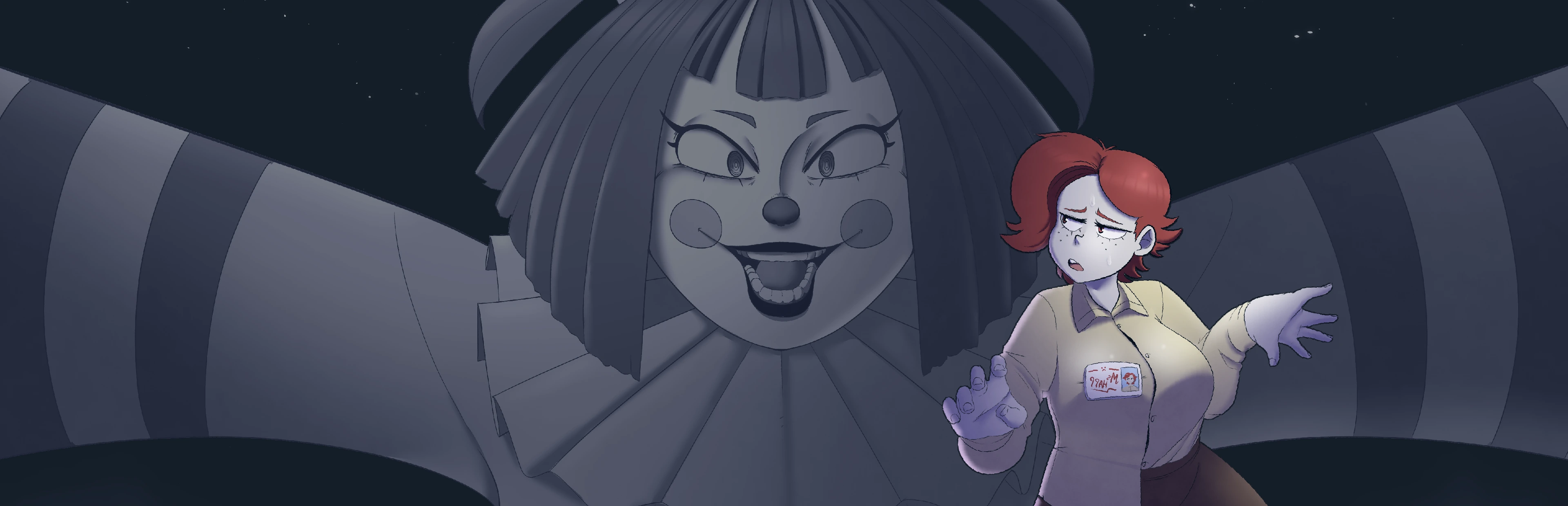
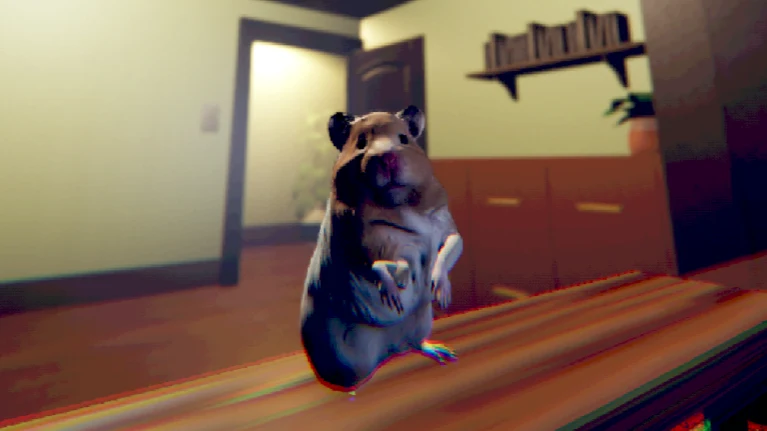
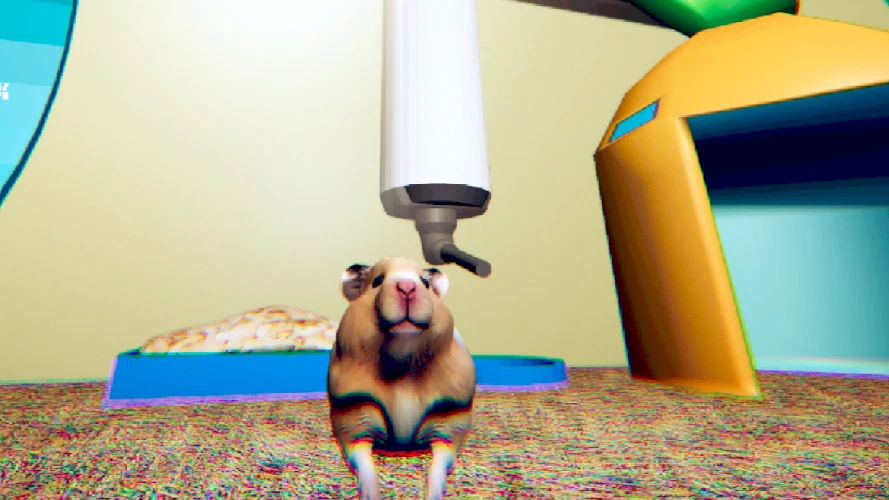
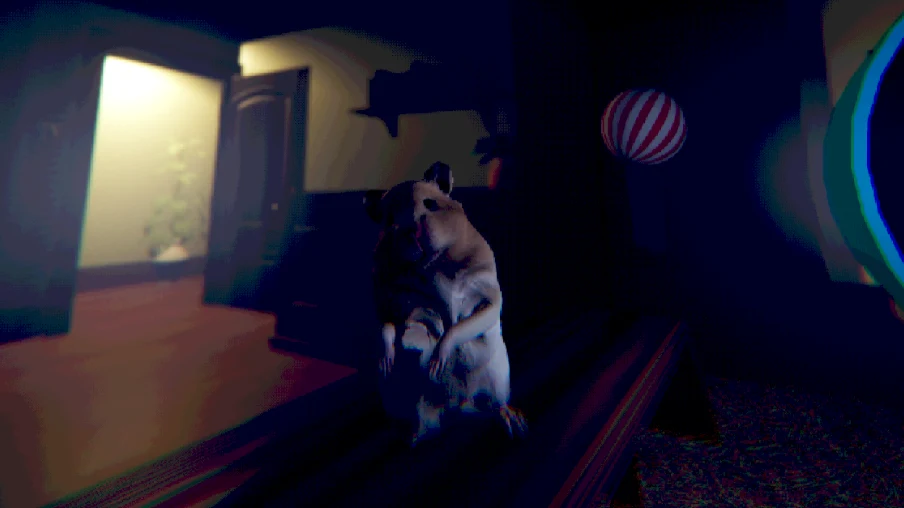
The author's screenshots show a recognizable domestic setting viewed around a very small protagonist. A doorway, cabinet, shelf, or cage fixture can be a useful visual reference even when it is not an objective. Before moving far, choose one thing you can recognize again. This is an orientation habit, not a claim about a required route.
Separate what you can see from what you think a detail means. An unusual shape might be scenery, a story cue, or something the scene will later explain. Immediately inventing a rule for every odd object can make a short story feel more confusing than it is. Let visible prompts and actual responses supply the next instruction.
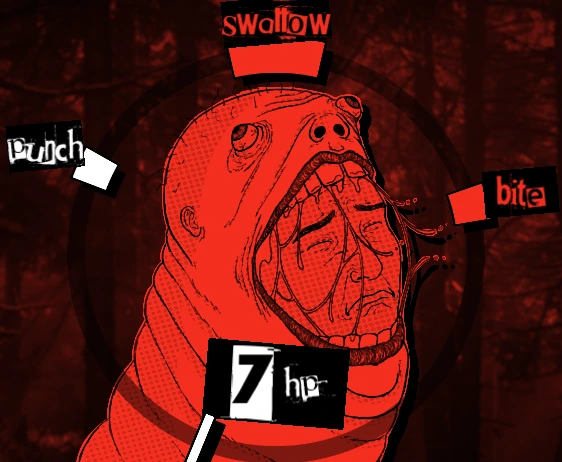
The illustrations here come from the creator's public material. They are not evidence that the browser camera begins in exactly that position. Use them to understand the atmosphere and proportions, not as pixel-perfect maps. They also cannot show what you have already triggered in your own session.
Give the joke and the unease some space
A comic animal does not make a horror scene harmless, and a tense scene does not mean that every moment is a chase. Approach the game as a changing sequence of situations. If something funny interrupts your expectations, allow the moment to play out before searching for an optimization strategy.
For the same reason, avoid using a walkthrough as a constant second screen during your first attempt. Attention split between two timelines can cause you to miss the event that actually explains the scene. When you need help, identify the precise obstacle first: movement, an interaction, uncertainty about where to look, or a loading problem.
The game is a reasonable contrast to the resource-focused titles elsewhere in this collection. Your useful resource here is attention, not a currency balance. That is an editorial way of approaching the experience, not a hidden game meter or a scoring mechanic.
Plan around the original's session limits
SeenThai describes the original as roughly ten minutes long and says it has no pause or save feature. Treat the duration as an estimate, not a timer you must beat. Reading speed, unfamiliar controls, interruptions, and browser loading can all change how long your visit takes.
A browser tab remaining open is not a saved game. Switching applications may change focus or audio without preserving a reliable pause state. Similarly, a website installation button creates a shortcut-like app experience; it does not automatically turn an external game into an offline application.
Before starting, decide whether you can stay with the session. If you need to stop, it is fine to leave, but do not assume that reopening the page will restore the same moment. This page deliberately avoids a fictional Continue button, achievement counter, or completion badge because it cannot read the game's internal state.
Use video help as a precise reference
Two optional videos are embedded below the illustrated guide. They are third-party references selected for this page, not synchronized recordings of your run. Their scenes may reveal later events. Opening a video can therefore solve uncertainty while also removing some of the surprise that makes a short game interesting.
A useful viewing method is to name the problem before pressing play. For an input issue, compare the visible action rather than watching the ending. For orientation, pause when the recorded scene resembles yours, then return to the game and test one observation. Do not assume that identical-looking rooms imply identical progress.
The video player's pause control affects the video alone. It cannot pause the game in another frame. If you are already in a session and need to consult footage, remember the original's lack of a pause feature rather than treating the guide as a protected break.
Diagnose the smallest failure first
If the game remains blank, distinguish the website from the hosted content. A working navigation bar and readable guide show that this document loaded; they do not establish that the external game files arrived. Try the direct link if the frame itself is unavailable, and retain any visible error message.
If the scene appears but keyboard input does nothing, test focus before reloading. If input works but the frame rate is uncomfortable, close unrelated heavy tabs and consider a desktop browser. These are general troubleshooting steps, not guaranteed fixes or proof that a particular device is supported.
Only reload when you are prepared to restart. Avoid repeated refreshes during a slow initial download, and never clear all browser storage as a first response. This collection does not need your passwords, remote-control access, or a mystery installer to display an embedded browser game.
Finish one visit before choosing another
After your attempt, use the shared game cards to choose a different experience. Their presence does not mean that the stories share controls, characters, saves, or age guidance. Read the next game's own introduction, especially when moving from this comic horror story to a title with very different content.
You can also return to the control reference and review what actually helped. Perhaps focusing the frame solved the main issue, or recognizing one doorway made the room easier to read. Those are useful observations without turning an uncertain interpretation into an invented official mechanic.
This guide is intended to support a first play rather than replace it with a fabricated exhaustive walkthrough. It distinguishes the creator's basic instructions, public illustrations, the supplied browser entry, and practical browser advice. Where a route, ending count, or device behavior has not been established, the page leaves that uncertainty visible.
Keep two kinds of progress separate
The collection can tell you which game page is open, but it cannot tell you what the hamster has accomplished. A URL, a browser history entry, or a video watched to the end is not evidence of a completed game. This distinction is particularly useful when you leave several collection tabs open and later return to them.
Before changing games, take a moment to identify the action you are choosing. A card switches to another title; a guide anchor moves within this document; a direct-play link opens the host separately. None of those controls is labeled Save because none performs that operation.
If you want to discuss the experience afterward, describe the scene and your interpretation separately. That makes a conversation more informative without revealing a route to someone who has not played. A short game benefits from that care because a seemingly minor detail may represent a large part of its surprise.
You Are Hamster video references
Optional third-party footage. Later scenes and differences from this browser edition may appear.
Questions before playing
Is You Are Hamster a pet-care game?
No. SeenThai presents a short story-driven horror comedy. Do not expect a persistent feeding or upgrade routine.
Which collection category fits it?
Horror & Story. Its small-animal premise is comic, but the game is not described as a conventional animal-care simulator.
What keys should I try first?
The original lists WASD, Space to jump, and E to interact. The browser host also lists mouse looking.
Can I stop and resume later?
The original advertises no pause or save feature. Do not assume a refreshed browser tab restores a run.
Why do my keys scroll the page?
Click inside the loaded game, release held keys, and test again. Keyboard focus may still be on the website.
Does the touch parameter guarantee mobile play?
No. The host loads touch controls, but complete playability on your device has not been verified here.
Are the videos required?
No. They are optional third-party references and may reveal later scenes.
Do the guide tabs change game controls?
No. They only change the explanation shown on this page.
Original game and reference artwork by SeenThai. The Windows original and supplied browser host are distinct presentations. This guide does not claim an officially supported mobile release.