
Daggerfall Online brings a first-person fantasy role-playing adventure to the BloodMoney2 collection through an independent browser project. Instead of chasing a short arcade score, you prepare a character, learn a world, and decide what deserves your attention next. The browser is the doorway, not a promise that every part of the experience is instant. Original game data must be supplied, controls take practice, and progress deserves more care than a disposable five-minute run. If you enjoy games where preparation matters, that extra involvement is part of the appeal. Begin with a modest goal: load the correct files, reach the opening area, and become comfortable moving without losing your bearings. You can think about parties and longer journeys after that. This page focuses on those useful first decisions rather than claiming to solve every dungeon or presenting an invented route to a perfect character. The hosted game remains a community integration, not an official Bethesda service.
Play Daggerfall Online
A first-person fantasy RPG for a longer adventure. Bring your own ARENA2 game files, choose a character and explore through the browser client.
YouTube
Walkthrough
Hot Games

Blood Money 2
Manage Harvey Harvington in the Human Expenditure Program. A dark comedy life simulation with moral choices, strategic decisions, resource management, and multiple endings.
Play Game
TADC Dating Sim
Enter a fan-made Digital Circus visual novel where conversation, timing, and emotional consistency shape every route.
Play Game
COBB CAN MOVE
Play COBB CAN MOVE free online on BloodMoney 2. Survive a compact horror run where every new rule changes how light, sound, distance, and movement keep you alive.
Play Game
Survive Min
Enter a close psychological horror conversation where every pause, answer, and boundary changes how safe the room feels.
Play Game
The False Sun
Play The False Sun online free in your browser and step into a slow-burn farm horror visual novel where memory gaps, uneasy warmth, and replayed choices keep changing the truth.
Play Game
Home Is Where He Is
Play Home Is Where He Is online free in your browser and step into a psychological horror experience where the familiar becomes frightening. Return to the place you once knew, uncover what waits inside, and decide whether to stay or to run.
Play Game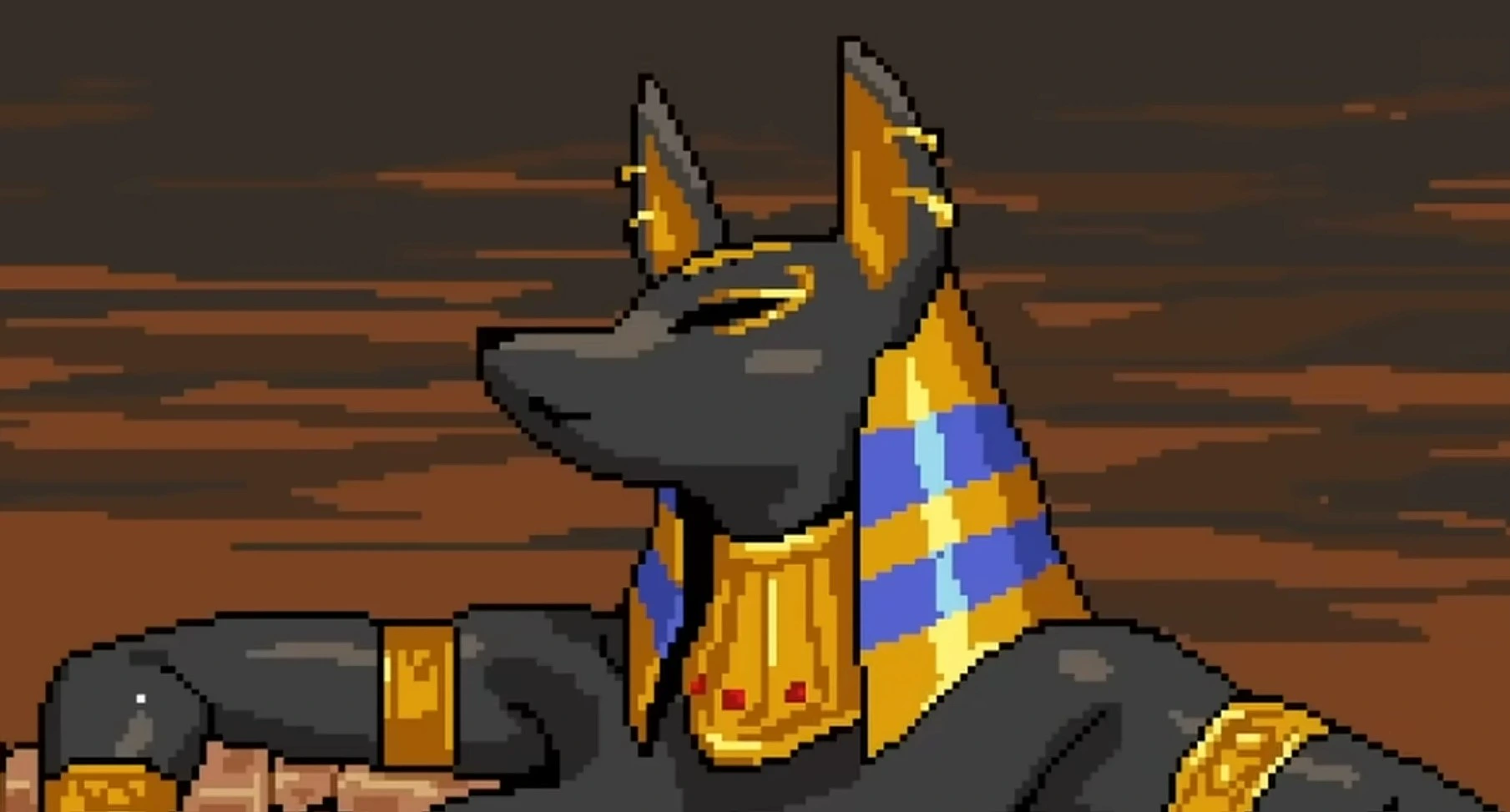
Temple of the Jackal
Rotate the entire chamber, redirect gravity, connect matching colored orbs, and clear eighteen compact pixel-art puzzles on the route toward the inner temple.
Play Game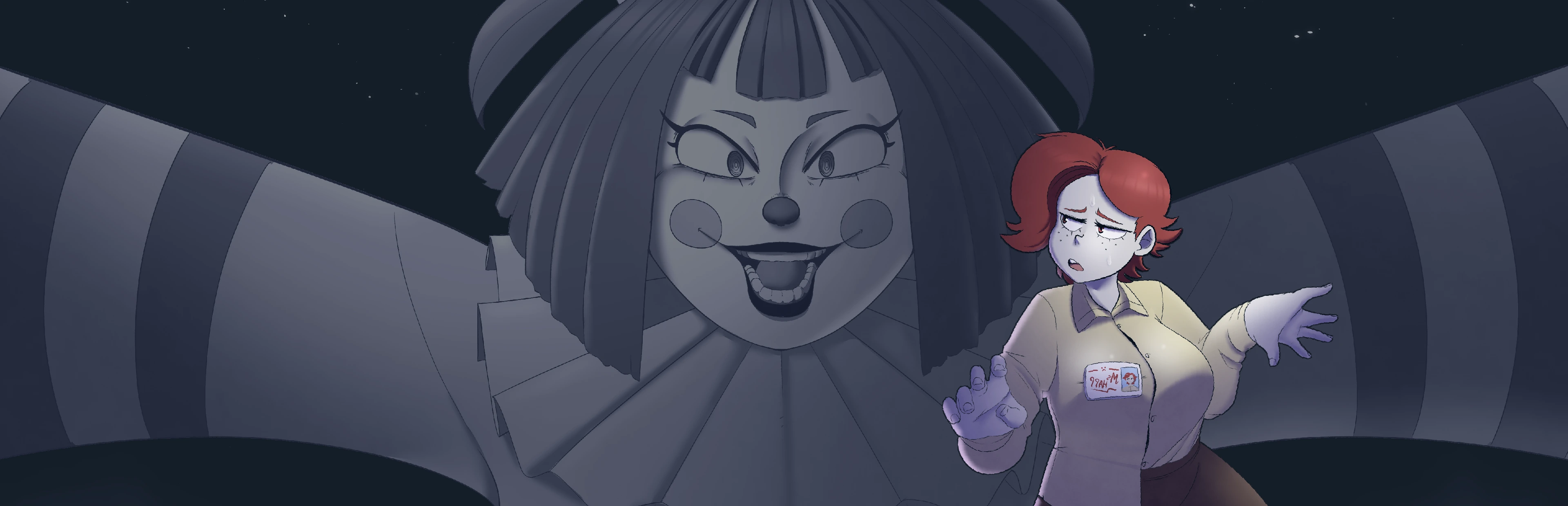
Frankie's Fun House
Guide Ms. Happ from a controlled office routine into a vivid attraction where inspectable objects, inventory pieces, and repeated visual clues form one connected mystery.
Play Game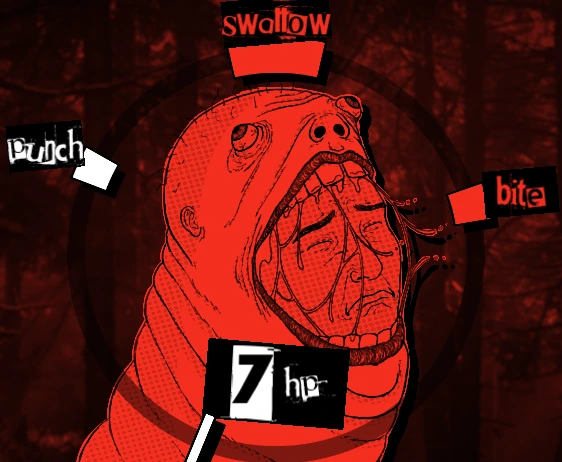
Death Spiral
Follow the rotating pointer, choose one committed direction, and survive a compact horror roguelike where every click spends position and time.
Play Game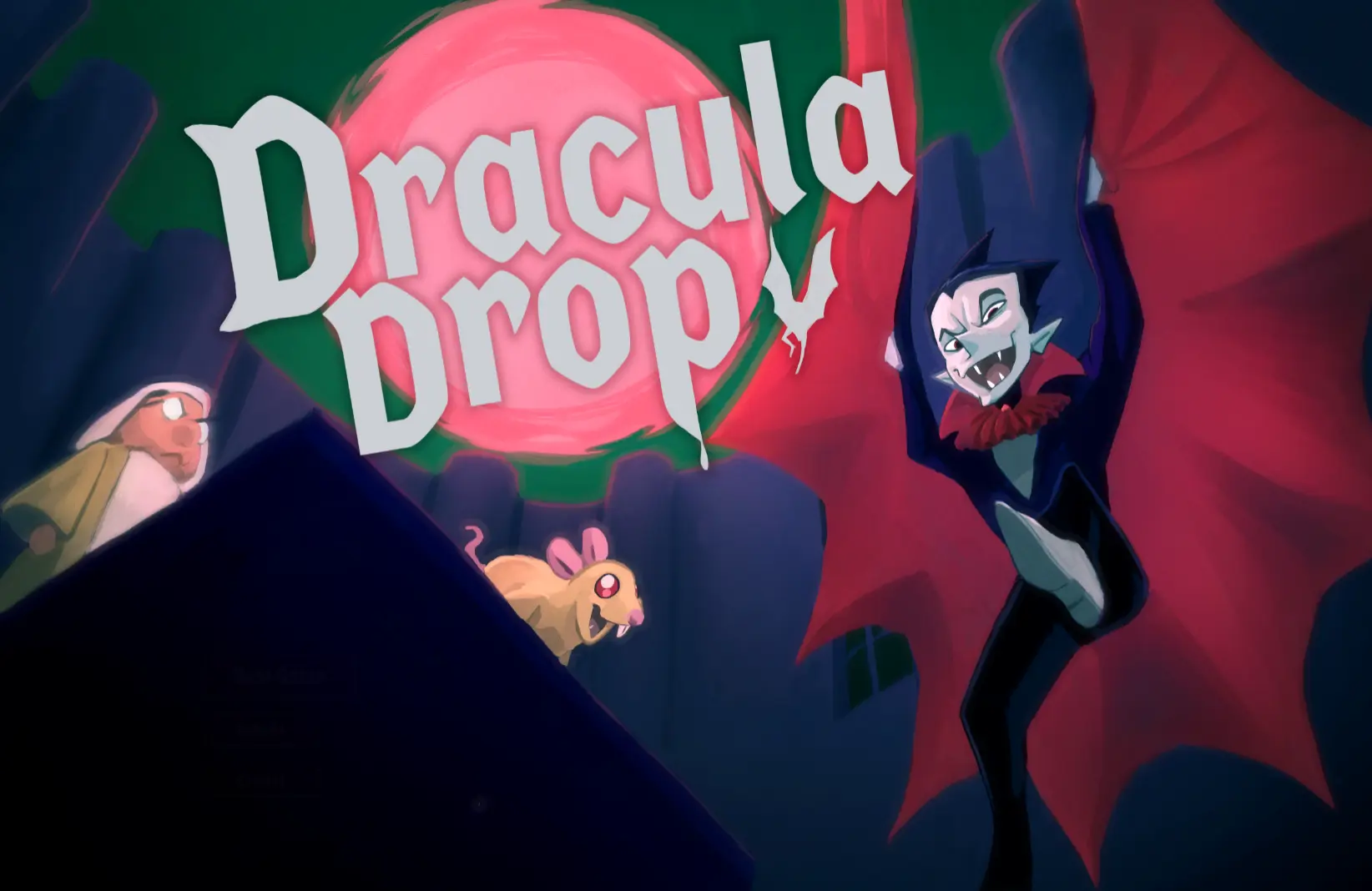
Dracula Drop
Race Count Dracula down a besieged tower, gather blood from invaders, use coffins to resist the dawn, and turn every floor into a faster route toward a higher score.
Play Game
Over Dose
Wake inside a fragile routine, watch Anxiety and Awareness reshape ordinary scenes, and decide whether comfort, caution, or investigation should guide the next choice.
Play Game
The Choicer Voicer
Give the browser microphone permission, listen closely, perform the prompt in your own voice, and turn every attempt into a tiny game-show experiment.
Play Game
Sea Shanty Disaster
Hum high and low notes with a local crew, divide horizontal and vertical steering, and guide one shared ship through a tunnel where both axes must arrive together.
Play Game
Cluck Battle
Cluck, speak, or sustain a safe sound for three seconds and turn live microphone level into a fast comic duel against an escalating ladder of chicken rivals.
Play Game
Pen Fight
Pull the red pen away from the intended path, release stored force, out-position the blue opponent, and stay on the desk while physics settles the duel.
Play Game
Anomalous Coffee Machine 3
Help Horu turn a reality-bending coffee machine into an experiment and a business: type a word, collect the cup, choose its use, and accept the consequences. Adults 18+ only.
Play Game
LoveManiac: Scarlet Lust
Enter an adults-only pixel-art battle where command choices, compact heart movement, pattern memory, and one more controlled attempt determine whether the final sequence is reached.
Play Game
Helping Your Boyfriend
A horror romance about care, dependence and the unsettling distance between reassurance and freedom. Content warning: violence, blood, flashing imagery, jumpscares and toxic relationships.
Play GameDaggerfall Online
A first-person fantasy RPG for a longer adventure. Bring your own ARENA2 game files, choose a character and explore through the browser client.
Play Game
Epstein Clicker
Play Epstein Clicker free online on BloodMoney 2. Click for cash, unlock upgrades, automate income, and push your idle progression faster with every run.
Play Game
Kingdom of Marionettes
Play Kingdom of Marionettes free online on BloodMoney 2. Explore a story-first horror visual novel set in an abandoned puppet theater, make choices, uncover secrets, and survive the night.
Play Game
SoFlo Wheelie Life
Play SoFlo Wheelie Life free online on BloodMoney 2. Balance your bike, chain smooth wheelies, and master a physics-driven stunt game built for stylish runs and repeat practice.
Play GameAbout Daggerfall Online
Know which Daggerfall you are opening
Several related names appear when searching for this game, and treating them as interchangeable causes avoidable confusion. The original Daggerfall, the desktop Daggerfall Unity project, and the DFO Online browser client share a setting and data heritage, but they are different software experiences. Instructions for installing a Unity application are not instructions for this embedded browser frame. Likewise, a screenshot from another edition cannot establish that a particular menu or multiplayer feature exists here. This page uses guide captures supplied by the Daggerfall Online project, with descriptions tied to what each image actually shows. The current hosted version can change after a website update. When a menu differs, read its live labels before following an old sequence mechanically. Do not transfer save files between editions on the assumption that a shared game name guarantees compatibility. For version-specific help, use the Daggerfall Online website linked at the beginning of this guide and check its setup and troubleshooting sections.
Prepare the data folder before starting
The browser engine and the original assets are separate. You need the ARENA2 data from your own Daggerfall installation or a legitimate distribution referenced by the source project. A ZIP of the browser engine source code is not a replacement for those textures, maps, sounds, and models. Keep the complete folder together rather than collecting a few files whose names appear in an error message. BSA files are data archives used by the game; they are not installers that should be launched one by one. If you already have the folder, preserve a clean copy before experimenting. On a computer, extract a downloaded game-data archive somewhere you can find again and locate ARENA2 inside it. The folder may be lower-case depending on the package. Avoid renaming its contents or moving individual pieces into unrelated directories. This collection page does not bundle the original game files, and pressing Play cannot supply missing assets automatically. Taking a moment to organise them is usually faster than repeatedly retrying an incomplete import.
Use the correct import control
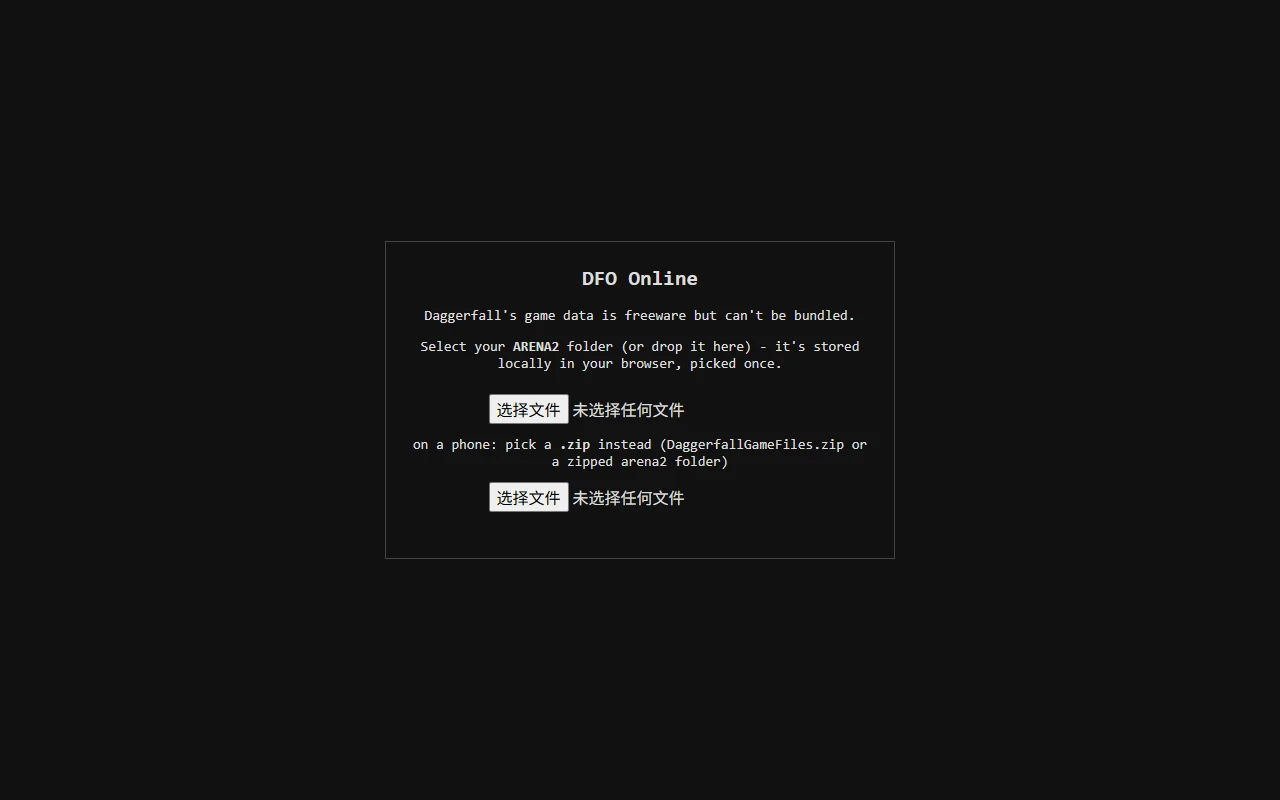
After opening the game frame, follow the client prompts until it requests data. Depending on saved browser state and first-run choices, the file selector may not be the very first screen. The reference capture shows two controls: the upper one selects an ARENA2 folder, while the lower one accepts a ZIP containing the data. Choose the path that fits your device rather than using both for the same attempt. Browser file-button wording follows the language of the browser, which explains why a supplied screenshot can show translated labels. A directory permission prompt may describe selecting many files; the intended game import reads the selected assets into browser storage. Allow it to finish before closing or reloading the tab. Repeated refreshes during extraction can make a slow process look broken. If the next visit requests the folder again, check whether you changed browser profiles, used private mode, cleared storage, or moved to a different site context. The external game controls persistence, not the surrounding BloodMoney2 page.
Create a character you are willing to learn with
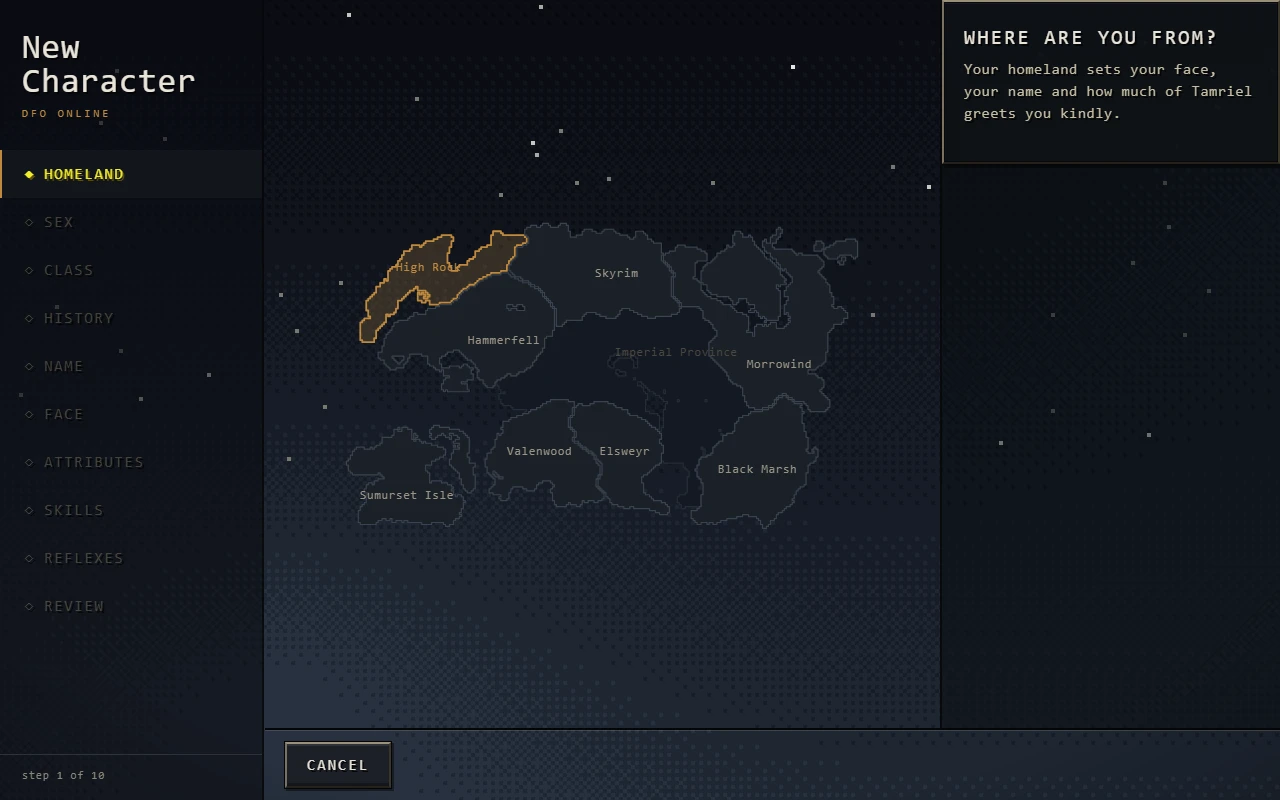
Character creation is a series of choices, not an obstacle to rush through without reading. The supplied Homeland capture is a useful reminder that reaching the browser client does not mean creation has already finished. Review each screen, use the available descriptions, and keep your first character simple enough that you understand the intended play style. This guide does not prescribe a supposedly unbeatable class or claim a hidden statistical advantage without evidence. Your immediate task is to reach a playable state and understand the information on the interface. If you plan to use the current online mode, follow its New online character flow rather than assuming a newly created offline save can always be imported. The source project documents cases where Bring online is unavailable for a character without the required history. Treat an explicit refusal as a rule to understand, not something to bypass by renaming data. Save or preserve an existing offline character before starting a separate experiment.
Learn movement and combat separately
A keyboard and mouse make the first session easier to interpret. The source guide lists WASD for movement, Shift for running, and Space for jumping, with mouse input used to look and interact. Click inside the frame when it needs focus; a key sent to the surrounding page is not a failed game command. Learn to turn and stop in a safe place before combining movement with combat. Under the documented default controls, Z draws the weapon, while gesture attacks use the right mouse button with movement rather than a simple isolated click. Remapped settings can differ, so consult the live controls screen when an action does not match your expectation. Avoid opening a map in danger and assuming the entire world has paused. The online interface may continue running while you read a panel. Close unnecessary menus, deal with immediate threats, and only then return to navigation. Being able to exit an overlay reliably is as important as knowing how to open it.
Make the first dungeon a navigation lesson
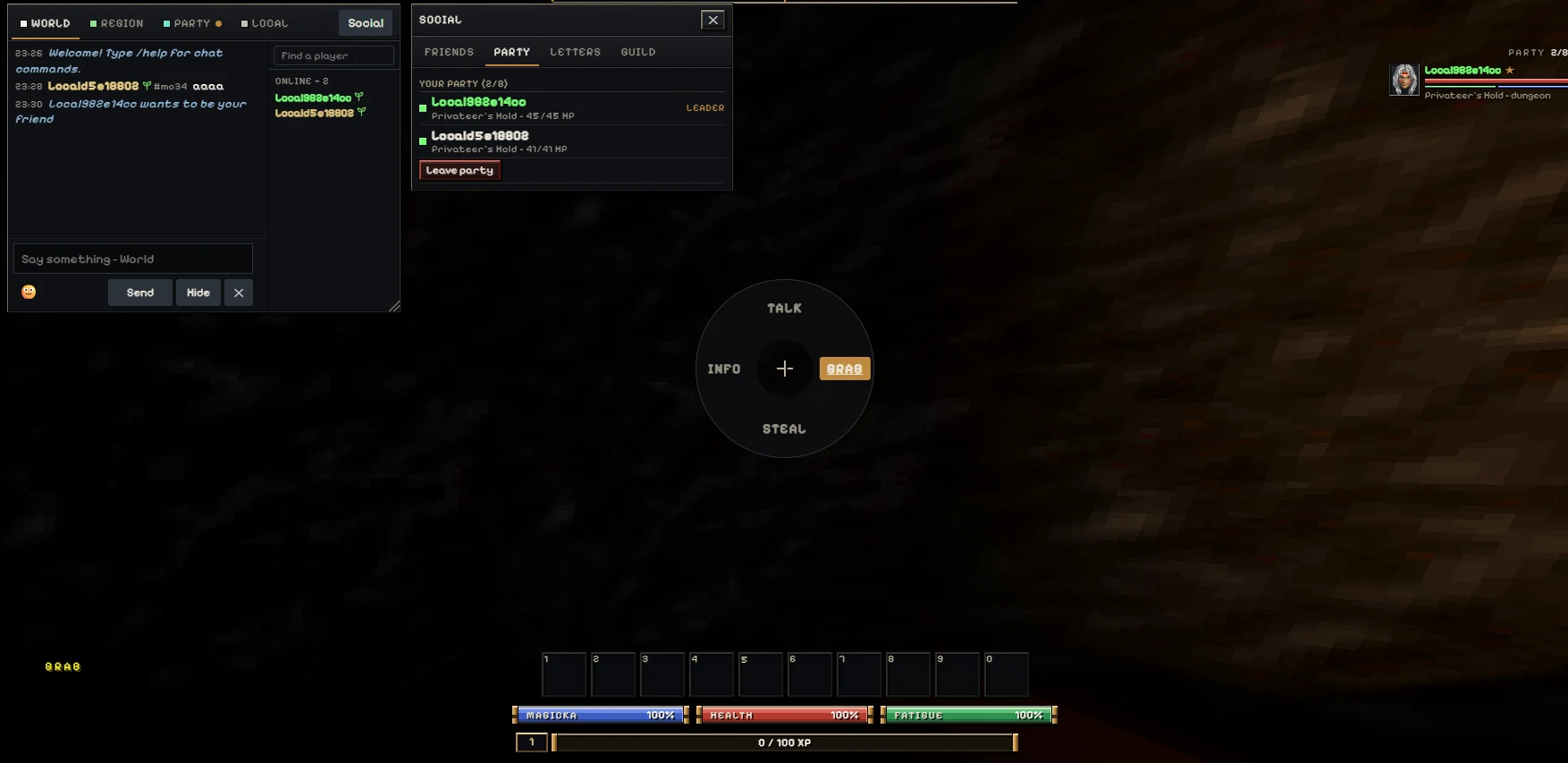
The opening dungeon is a place to learn the relationship between your view, the local map, and the route you have actually explored. A partially revealed map is not enough information for someone else to invent a reliable exit path for you. Instead, notice distinctive rooms, changes in elevation, doors, and passages that you have already tested. After a wrong turn, return to a recognisable junction rather than adding several more guesses. Keep an eye on your condition while navigating, and do not let a menu hide an approaching enemy. The source distinguishes the local map from the wider travel map; use the appropriate one for the question you are asking. A map of the region will not replace close observation of a nearby corridor. If you are playing with friends, remember that the introduction can be a solo space even when your characters are listed in the same party. Plan to meet at a shared outdoor landmark after each player leaves the starting area.
Turn a party invitation into an actual meeting
The current source website describes a multiplayer flow built around separate online characters, World chat, and party invitations. Start by confirming that both players entered the same intended service, using their own accounts and characters. Seeing a welcome message is not the same as confirming that another person received your chat. Send a short message, ask for a reply, and compare the visible names before inviting someone. One player uses Invite to party and the other accepts; the supplied capture illustrates the party panel rather than proving that every future connection will succeed. Membership is only one checkpoint. Each player must still reach the same shared place before expecting to see the other character. The source specifically notes that the starting Privateer's Hold introduction is solo. Arrange an outdoor location and compare position there. This page embeds the client but does not run its account or room services, and browser restrictions may affect cross-site use. The source website remains the fallback for account-specific support.
Know what you are protecting when you save
Game assets, local progress, and an online account are different kinds of state. Keeping ARENA2 on disk does not by itself preserve a character, and signing in somewhere does not prove that the latest session was saved. Read the status displayed by the game and use its intended save or exit flow before leaving. Browser storage may be separated by profile or embedding context; returning on another device is not automatically a continuation of the same local adventure. Before clearing site data to repair a problem, consider whether it contains progress you still need. Start with reversible checks such as waiting for loading to complete or reopening the source site. A screenshot can document a character or error message, but it cannot restore a save. If an account operation fails, do not repeatedly submit it through several tabs while assuming one will eventually work. Preserve the visible error and consult the source project's guidance. BloodMoney2 cannot verify a game save merely because the frame is still visible.
Choose a comfortable browser setup
A first-person RPG benefits from a generous viewport. Use the player's fullscreen control when the browser allows it, and keep a way to return to the surrounding page. A desktop browser with working WebGL support is a practical starting point for importing files and learning pointer controls. The source client includes touch controls, but small screens make maps, inventories, and file selection more demanding. Landscape orientation can help without guaranteeing that every phone handles every step equally well. If fullscreen is denied, continue in the embedded area or visit the original website through the first-paragraph link. This game is externally hosted, so a network filter or restrictive browser setting can prevent the frame from loading even when the guide itself works. Do not interpret a blank rectangle as a demand to download an unrelated installer. Check the address, loading state, and any actual error first. Report your device, browser, and the stage that fails instead of reducing several different problems to the word broken.
Set a useful goal for a longer session
Daggerfall rewards a different kind of attention from the collection's fast arcade and clicker games. A useful first session can end with the data imported, a character created, controls understood, and a safe stopping point recorded. That is meaningful progress even if you have not yet explored a distant location or completed an elaborate quest. On the next visit, choose one new objective rather than reopening every system at once. Learn navigation before planning a group expedition, and establish reliable saving before investing in a long run. Keep the source site handy for the detailed beginner and multiplayer guides when a particular menu needs explanation. This introduction is deliberately not a fabricated complete walkthrough: outcomes depend on your character, choices, and the current client. It gives you an organised starting routine so the interesting decisions happen inside the world rather than in a tangle of file-selection attempts. When you want a shorter break, the shared game cards below the player still connect you to the rest of BloodMoney2.
Daggerfall Online FAQ
Do I need ARENA2 files?▾
Which file selector should I use?▾
Is this the official Bethesda website?▾
Why can I not see my party member?▾
How do I attack with the default controls?▾
Does opening a menu pause online play?▾
Can an offline character always be brought online?▾
Will this frame share my saves with the main website?▾
Why does the frame show a link instead of the game?▾
Start your Daggerfall adventure
Prepare your data, take the first controls slowly, and make a clear plan for the next session.
Play Now