


















Before your next attempt
Manual preparation only. This does not read or save game progress. Checks reset on reload.
A different kind of collection
Odio el chocolate turns collecting into a decision about exposure. You are not clicking a stationary reward or waiting for an automatic balance to grow. You move through rooms, look for chocolate, watch your condition and try to complete the objective shown by the current game. The changing view matters because a room that looked simple on arrival may be harder to leave once attention shifts elsewhere.
For visitors coming from BloodMoney2, the useful adjustment is to stop treating every visible interaction as something worth repeating immediately. A pickup needs confirmation. A doorway needs orientation. Sprinting spends an opportunity to move quickly later. None of these choices is a purchase in the collection website, and progress here does not transfer to another game or to a shared account.
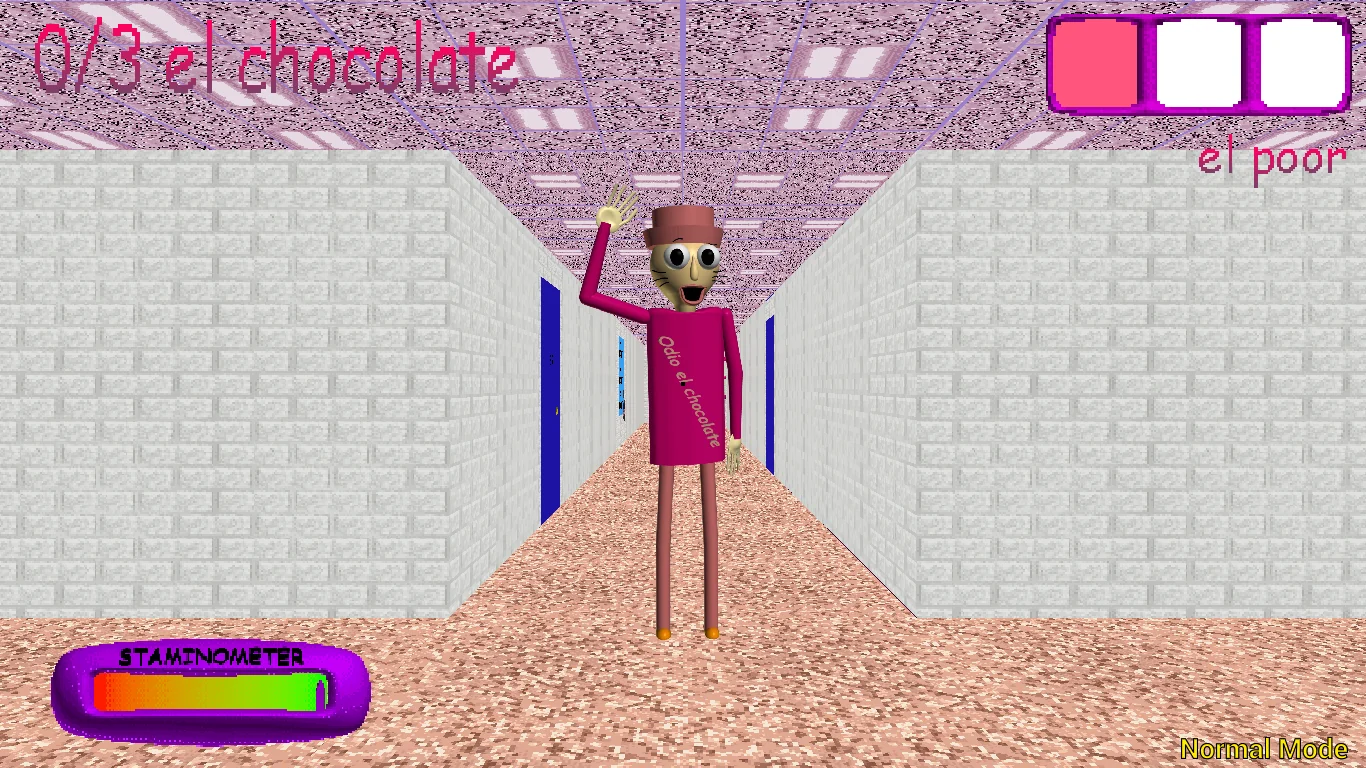
This browser entry uses the supplied hosted edition of Wantho's Baldi's Basics mod. The author publishes an original Windows download separately. Screenshots and videos help explain the interface, but they do not establish that every release behaves identically. Read the actual menu and objective before trusting a remembered count, route, or shortcut from another person's recording.
Check the controls before chasing a result
Begin by clicking inside the game and making a small movement in an open area. The browser guide lists W A S D for movement and the mouse for looking around. Turn toward a recognizable doorway, step away, and face it again. This brief exercise tells you more about usable camera movement than immediately running into an unfamiliar corridor.
Left mouse is described for opening doors and collecting chocolate; right mouse uses the selected item. Number keys one, two and three select inventory slots. Before spending an item, inspect which slot is active. A failed pickup and an accidentally used item are different problems, even though both can feel like the game ignored the action you intended.
Left Shift is the listed sprint control. Try walking and sprinting separately so you can notice the stamina indicator rather than discovering it only during pressure. These are source-based controls, not a claim of this page having completed a playthrough. If the embedded menu gives a different binding, follow that build and adjust your notes accordingly.
Make every room inspection count
A practical search starts with a boundary: decide which room or short corridor you are inspecting. Notice the entrance, look around, approach possible pickups and check the counter after interacting. Leave only after deciding whether the area is checked or deliberately postponed. This avoids a sequence of half-inspections that creates movement without reliable information.
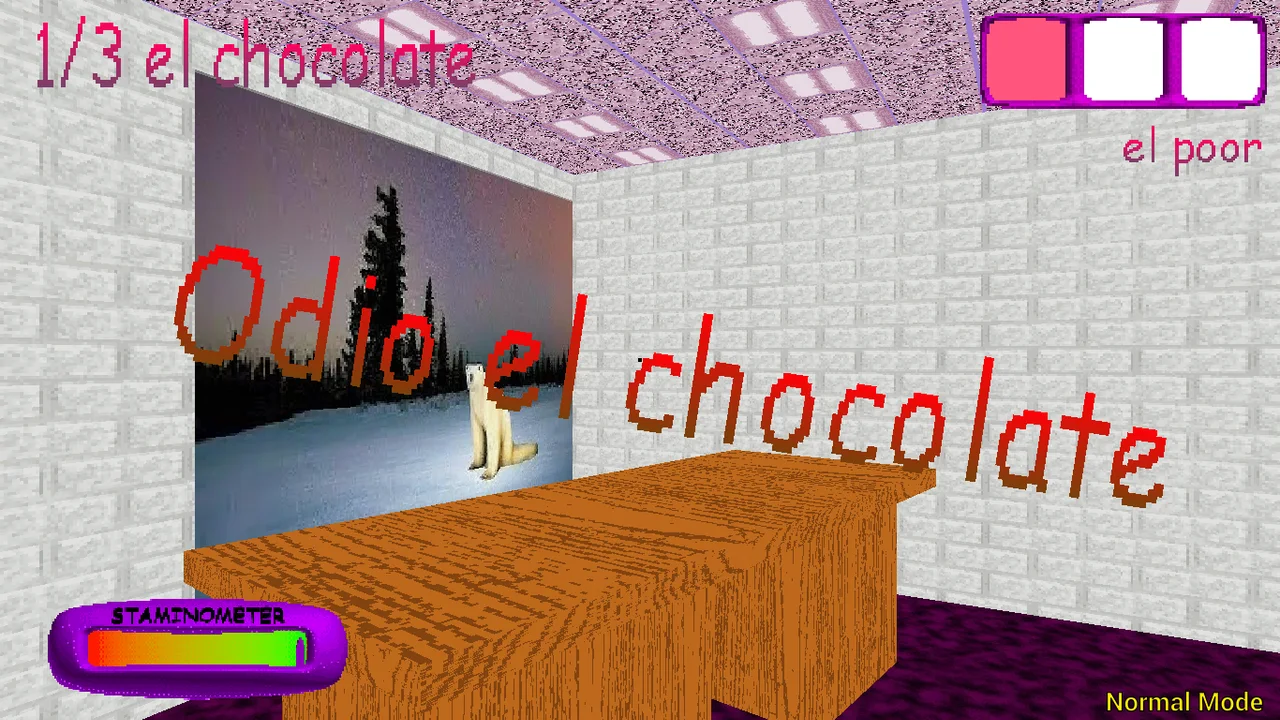
The desk screenshot is useful as an observation exercise. Identify the object area and the doorway before imagining a fastest route through it. A still image cannot tell you whether something was already collected, whether a threat is nearby, or whether the same arrangement appears in your run. Use it to practise noticing relationships, not to memorize unsupported coordinates.
Keep the distinction between a place and an outcome. Remembering that you entered a classroom is not the same as remembering that you finished searching it. A short note such as checked, return later, or uncertain can prevent unnecessary revisits. The manual checklist below is deliberately separate from the game: it does not inspect the counter or award progress.
Treat stamina as a reserve
Constant sprinting may feel efficient because it reduces travel time, but it also makes it harder to learn what the ordinary walking pace can accomplish. Watch the stamina display while moving and plan a destination before accelerating. The important question is not whether the character is moving quickly; it is whether that speed leaves you with a useful next position.
Try one modest practice goal: cross a familiar stretch at walking pace, then compare a short sprint along the same stretch when circumstances permit. Do not intentionally provoke a chase just to test a theory. Notice how much attention the camera and turns demand. A route that is technically shorter can still be more difficult to execute reliably.
This guide does not claim a precise recovery formula or an enemy speed table. Those would require version-specific evidence. Instead, establish a habit that remains useful when numbers change: observe the resource, spend it for a reason, and reassess after the action. If a run ends, record where you lost orientation rather than assuming every failure came from insufficient speed.
Use inventory deliberately
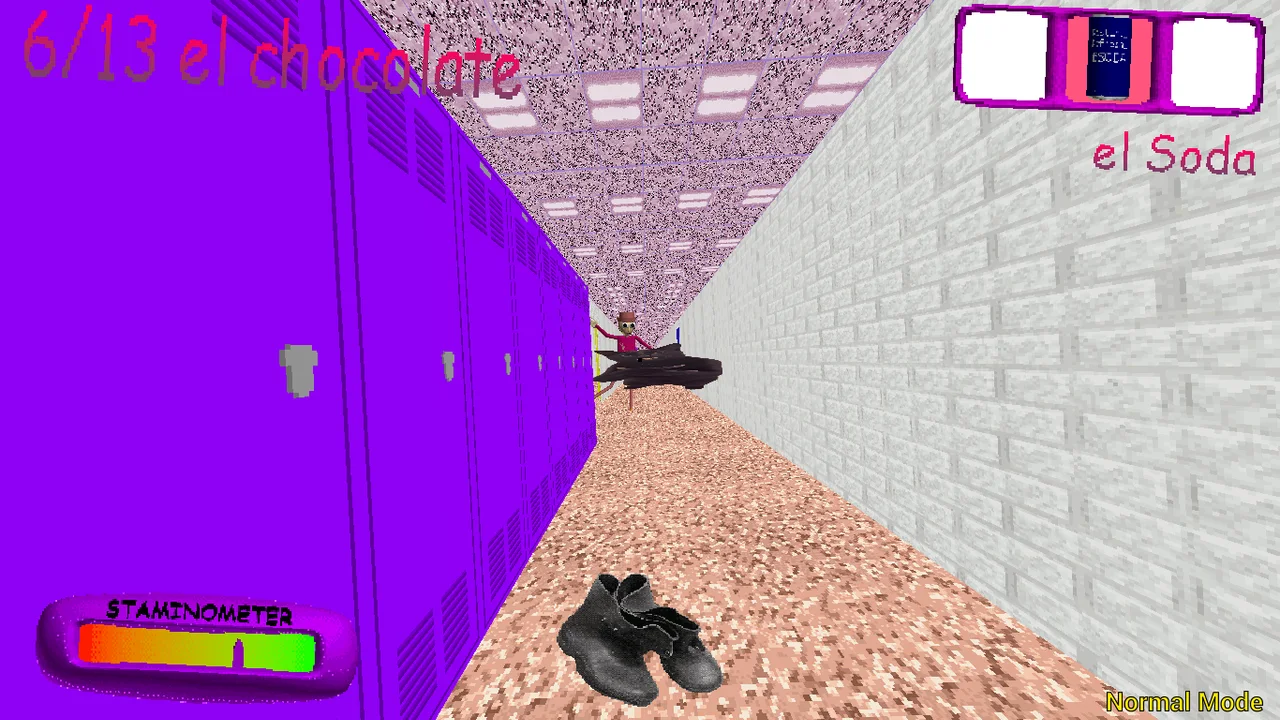
An inventory icon is a reminder to inspect the selected slot, not a universal promise of escape. The supplied material shows item selection and a soda-related screenshot. That image identifies part of the interface; it does not prove how long an effect lasts or that using it against every situation is optimal. Let visible feedback guide your next decision.
Before pressing the use button, answer two questions: which item is selected, and what problem am I trying to solve? If either answer is unclear, avoid repeated random input. During a calm moment, distinguish the key that changes selection from the mouse action that spends the item. This reduces mistakes caused by carrying assumptions over from another browser game.
After an attempt, inspect the slot and the scene. Did the item disappear, did an observable effect occur, or did nothing change? Those outcomes suggest different next steps. A screenshot or brief note can help you remember what happened, but do not label a speculative explanation as a confirmed mechanic. You can learn from a failed attempt without inventing a hidden rule.
Read the objective in this run
The project documents multiple mode names, including Main, Baltazar, Low Cortisol and Triple Trouble. Choosing a name is not enough to establish the entire objective or difficulty curve. Check the menu text and the live display. In particular, do not turn a screenshot showing three collected objects into a claim that every run ends after three.
Main-mode reference material describes chocolate collection followed by an exit objective. Reaching a count is therefore not something this website should automatically call victory. Continue reading the game's own prompts and look for the actual completion state. The separate planning controls here cannot detect an ending, unlock a mode, or know whether a door is usable.
For your first comparison, change one variable at a time. If you switch mode, do not also try a completely unfamiliar control setup and a new route while expecting a meaningful comparison. A cleaner experiment might simply ask whether the opening instructions differ. Keep conclusions small enough to match the evidence you actually gathered.
Keep browser problems separate from play mistakes
A blank frame is not the same as an in-game defeat. The browser must obtain content from a separate host, and a slow connection or blocked third-party request can delay that process. Wait for meaningful loading feedback before repeatedly restarting. If the surrounding page works but the game does not, the two parts may have different network conditions.
When a key appears unresponsive, click inside the frame and test a basic movement before changing settings. Switching to the guide or a video moves your attention outside the game. Fullscreen can improve visibility, but it does not repair an unavailable host or create phone controls. If fullscreen is denied, continue in the frame or use the direct-game link.
Do not assume installing the website creates an offline copy of the embedded game. Likewise, an Android screenshot with touch buttons does not prove the browser build supports the same controls. A keyboard and pointer are the safer starting point for the documented input scheme. Avoid refreshing an active session until you have considered the possible loss of progress.
Review a run without turning it into homework
After stopping, choose one specific observation to carry forward. Perhaps you inspected a room twice, used an item before checking the slot, or sprinted without knowing where the corridor led. A useful note describes an action you can change next time. It does not need a complete transcript, a guessed enemy model, or a promise to finish every mode.
The two videos below are the same selections used on the source website. They can reveal scenes and outcomes, so decide whether you want that information before playing them. Watch a short section with a question in mind, such as how the player checks the display. Footage is supporting context, not proof of identical behavior in your current browser session.
Return to the wider collection when you want a different pace. This page belongs among the horror choices because exploration and pressure shape the experience, not because chocolate collecting resembles a clicker economy. Taking a break is a valid result. The goal of the guide is to make your next interaction more understandable, rather than to turn every visit into a perfect run.
A sensible first-run budget is attention
Think of your first visit as a limited attention budget rather than a gold budget. Loading, learning the view controls, checking an interaction and understanding a mode are separate tasks. Trying to settle all of them immediately can make an ordinary unfamiliarity feel like a technical failure. Complete one clear check before adding another concern.
The page provides a direct-game link for access problems and an optional preparation checklist for planning. Neither is a shortcut to completion. If the host is unavailable, the link cannot create a working replacement. If you mark every checkbox, the game still knows nothing about those selections. These limits are displayed so that a helpful companion does not pretend to be a controller.
A useful next visit starts with one remembered improvement, not an obligation to optimize everything. If you learned to confirm a pickup or face a doorway more reliably, keep that habit. The collection remains available when you want a different challenge, and no progress in this guide is presented as a reward balance shared with BloodMoney2.
Odio el chocolate video references
Optional footage selected by the source website. Spoilers and version differences are possible.
Questions before playing
Is this a clicker like BloodMoney2?
No. It involves moving through rooms and interacting with the environment. There is no shared collection balance or cross-game upgrade system.
What confirms a chocolate pickup?
Check the game's counter or visible response after interacting. Clicking near an object alone is not confirmation.
Which controls should I try first?
The browser reference lists W A S D and mouse look. Click inside the frame, test a short movement, then follow the current build's instructions.
Can the checklist save my game?
No. It is a manual preparation list, does not access the iframe, and resets when the page reloads.
Does collecting everything finish Main automatically?
Reference material includes an exit objective. Continue reading the game's prompts and wait for its completion feedback.
Why does the player stay blank?
The game loads from a separate host. A delayed or blocked request may affect it even when the website loads normally. Try the direct link after checking loading feedback.
Are the Android pictures proof of touch support?
No. Native Android and browser editions are different. A keyboard and pointer are the starting point for the documented browser controls.
Do these videos avoid spoilers?
No spoiler-free guarantee is made. Both are optional references and may reveal encounters or outcomes.
Is the linked website the developer?
The opening link leads to the user's Odio el Chocolate website. The original mod is by Wantho; the link is not a claim of developer ownership.